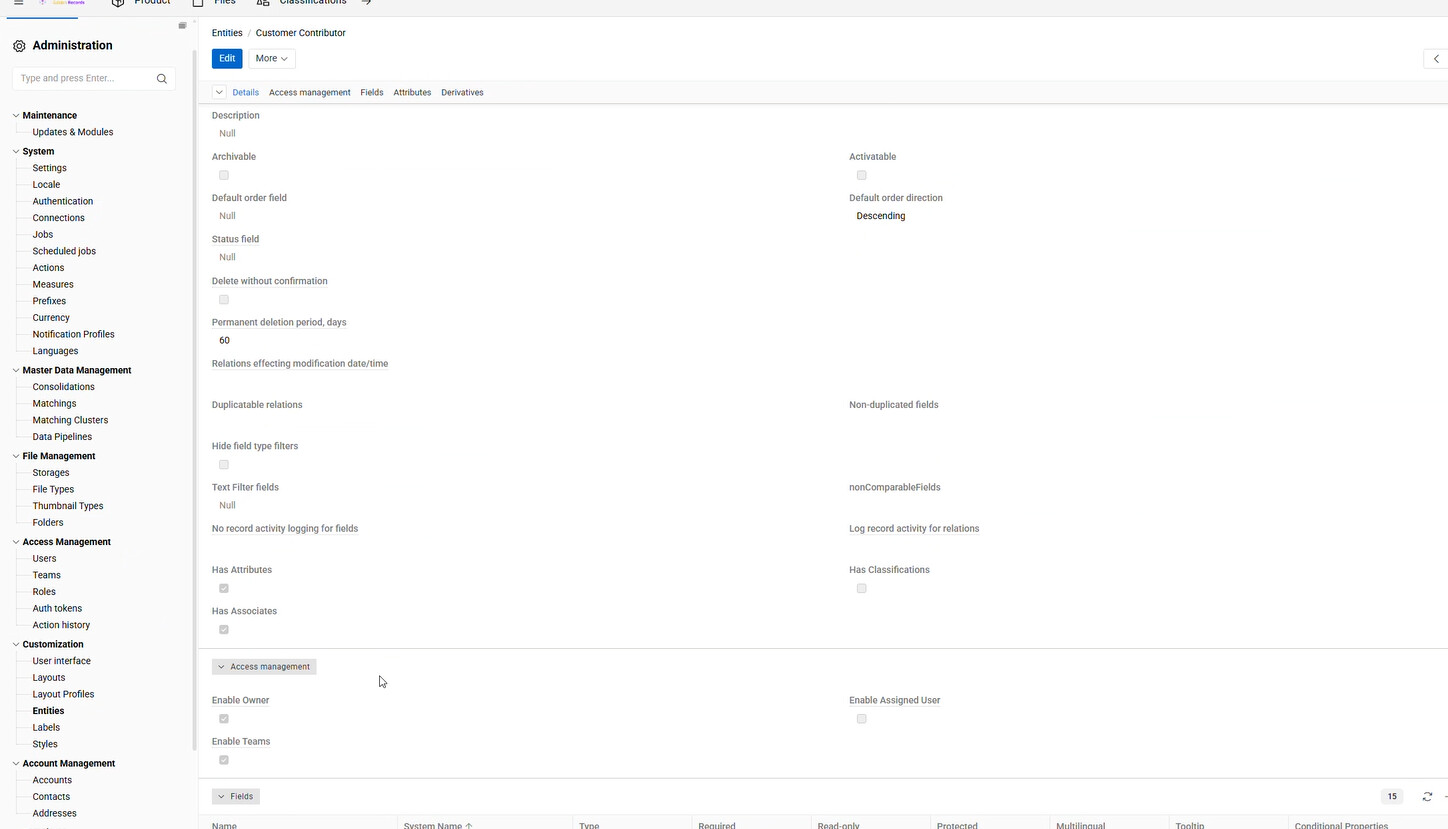
I am using Atrocore Version: 2.3.3. and I want to configure the Derivation Panel. However, this is nowhere to be visible. Is this not available in this version, or, do I need to have something else configured to have it visible?
Hello @gavin.boy43
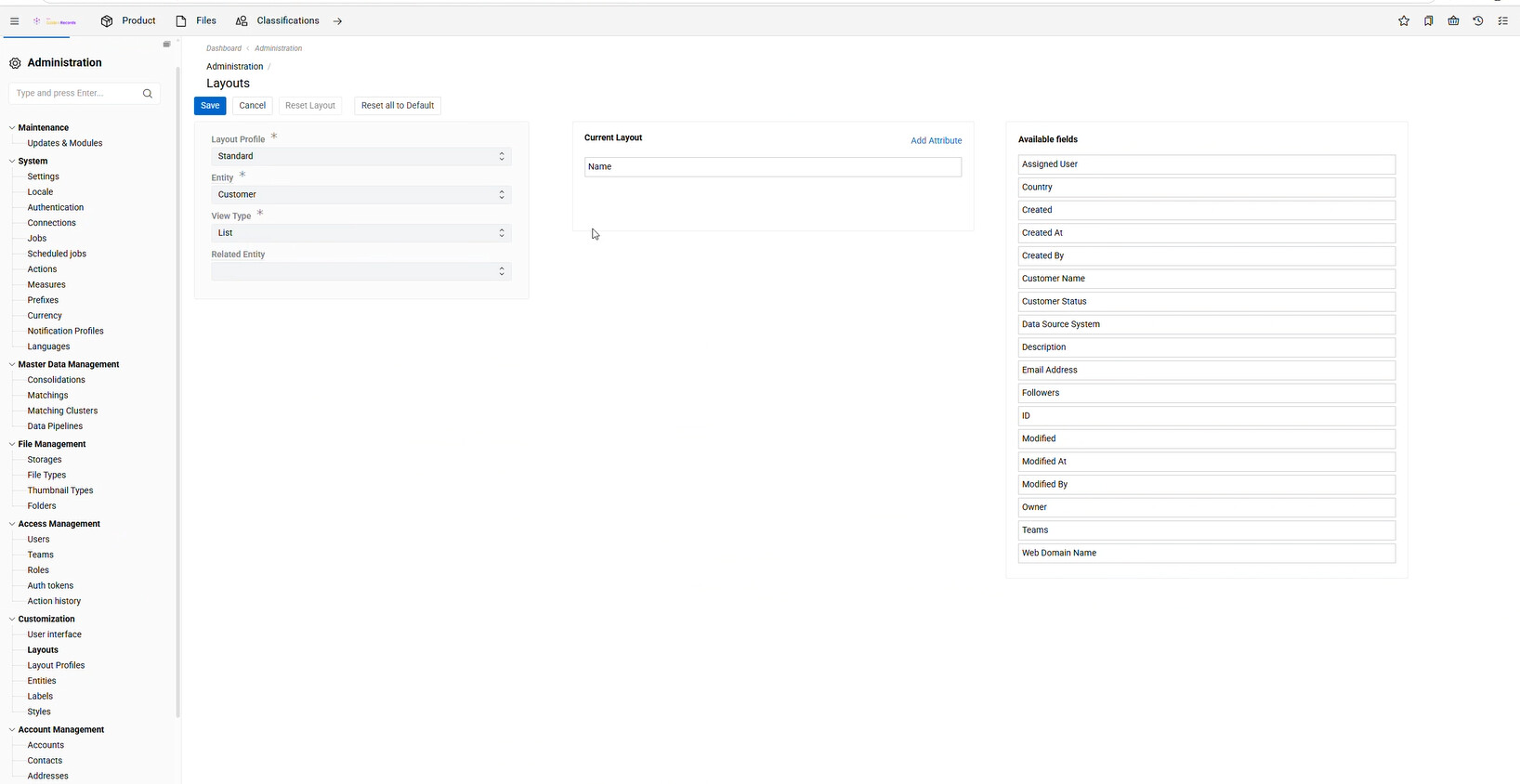
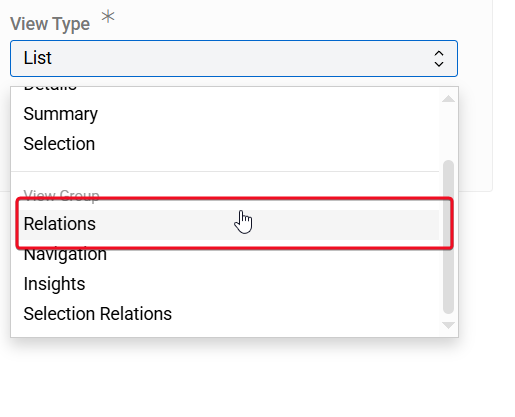
All pannels can be configured via layouts
I am trying to configure what we call the Silver layer, which should follow these steps:
Create Contributor entity
To create a contributor entity, go to Administration / Entities and create a new entity. In the Derivation panel, set the Primary Entity field to the master entity and select Contributor in the Role field.
Please note:
- The role cannot be changed after the derivative entity is created.
- Only one derivative entity with the same role can exist per master entity.
- A derivative entity cannot be created from another derivative entity.
- Derivative entities cannot be deleted directly.
All derivatives of a master entity are listed in its Derivatives panel.
The contributor entity contains a Master Record field, which can be used to link the contributor record to the corresponding record in the master entity.
The contributor entity fully inherits the fields, attributes, and layouts of the master entity. These settings cannot be modified manually for the contributor entity, as they are always inherited automatically from the master entity.
However, the derivation panel is nowhere to be seen. Are we missing some setting to be configured to see it available? You said all panels can be configured via layouts. I don’t see the Derivation Panel there (see attached screenshot).