Hello
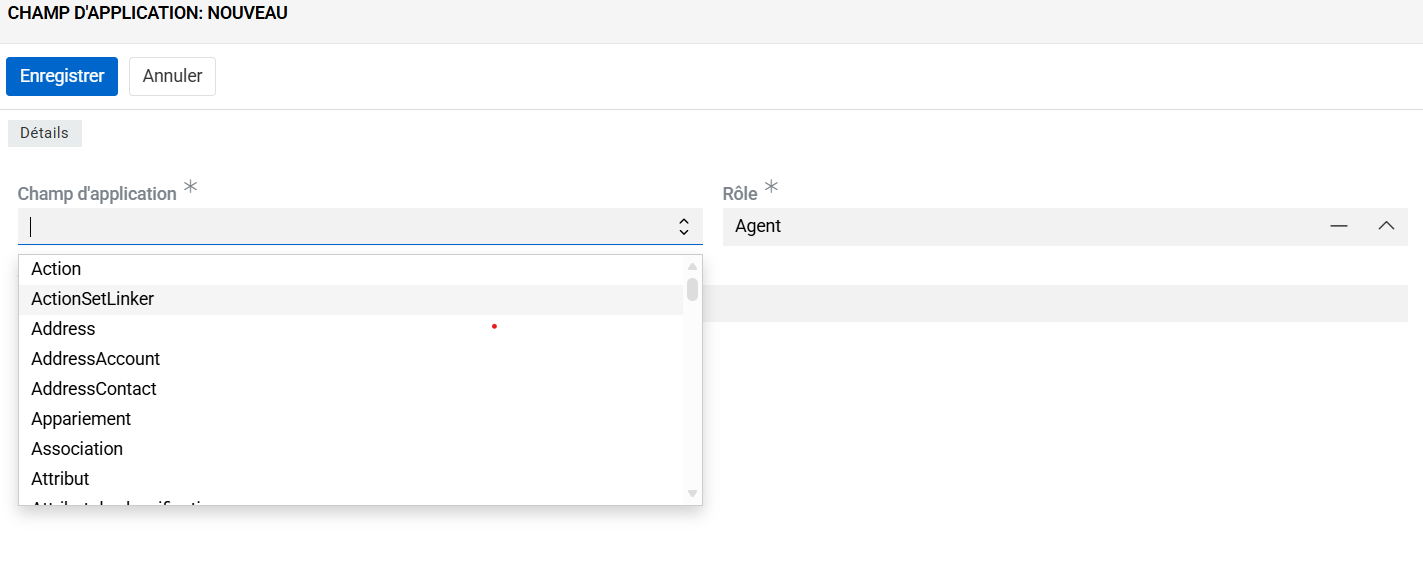
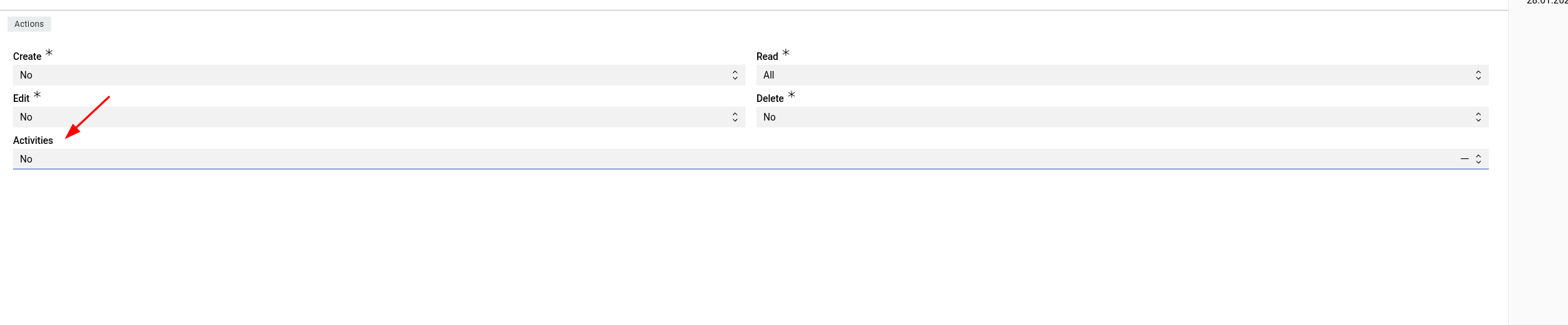
It isn’t possible to select “MatchingRule” and “Activities” when you define access control. Probably missed
Hello
It isn’t possible to select “MatchingRule” and “Activities” when you define access control. Probably missed
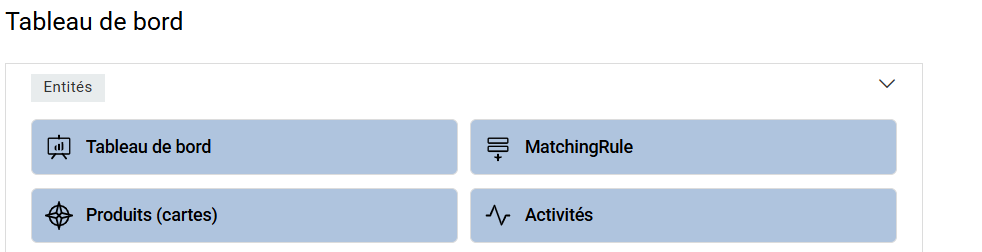
Excuse me but Matching rules also appear in the dashboard for a no admin and I can’t disable it
Thank you @Belette64!
We will look into it!
ok ! and for " activites", can you explain how disable it ? many thanks
Unfortunatelly no. You can only delete it.
@Belette64 matching rules have the same access level as the matching. We will disable them on the Entities dashboard if the user does not have access to them.
ok Alex good have a nice day
@Belette64 This issue will be resolved in the next release.